Understanding Semantic HTML: A Beginner's Guide
Learn how semantic HTML makes web pages easier to understand, maintain, and navigate.
Understanding Semantic HTML: A Beginner's Guide
Learn how semantic HTML makes web pages easier to understand, maintain, and navigate.
What Is Semantic HTML?
Semantic HTML uses elements that describe the meaning and purpose of different parts of a webpage.
A Simple Semantic HTML Example
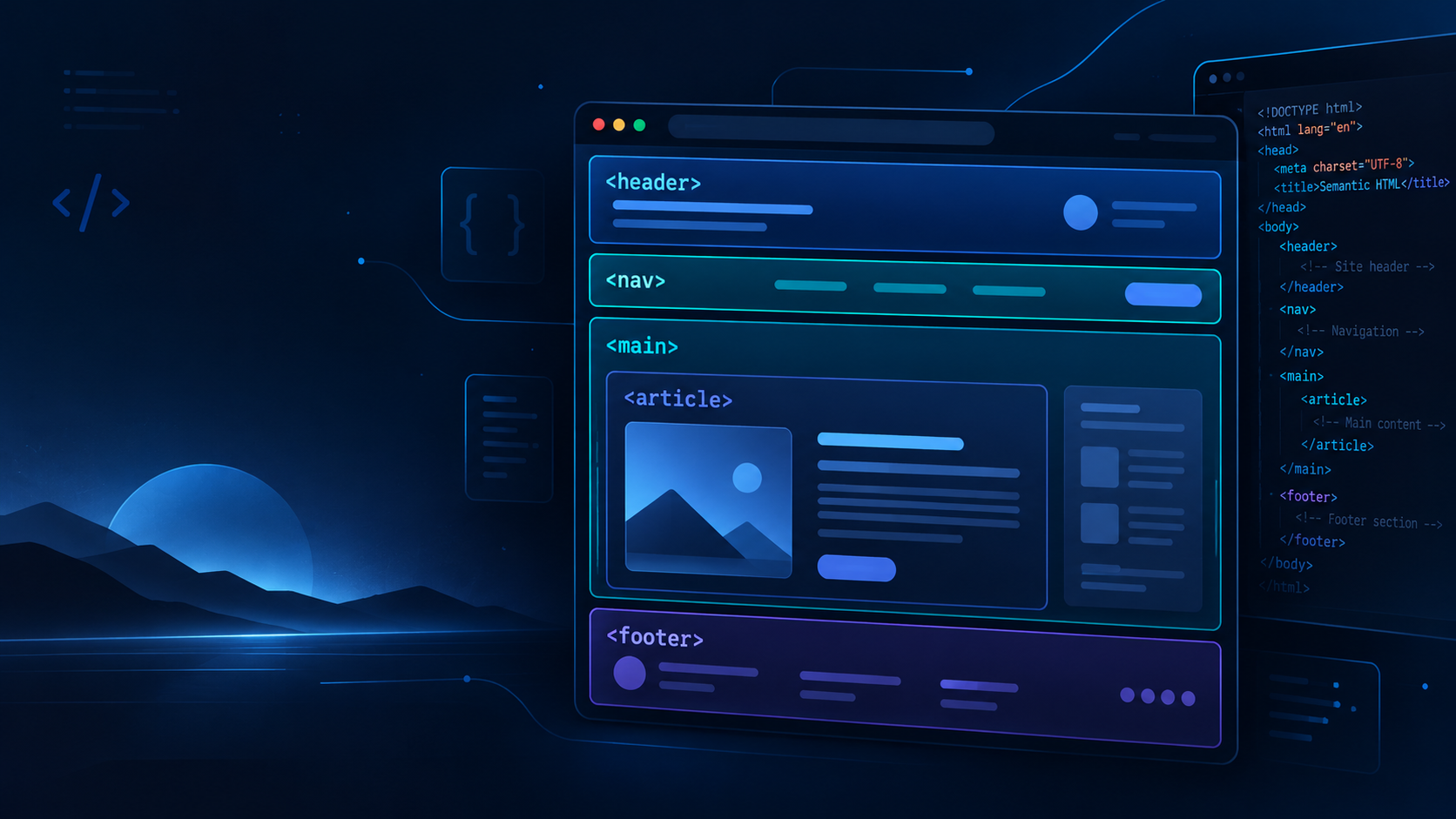
Let's look at a basic webpage structure using semantic HTML elements.
HTML Code Block\
<header>
  <h1>My Website</h1>
</header>

<nav aria-label="Main navigation">
  <a href="/about">About</a>
  <a href="/contact">Contact</a>
</nav>

<main>
  <article>
    <h2>Understanding Semantic HTML</h2>
    <p>Semantic elements describe content.</p>
  </article>
</main>

<footer>
  <p>Thanks for visiting.</p>
</footer>
Understanding the HTML Elements
Each element in the example has a specific purpose.
<header>: Contains introductory content, such as a site title.<nav>: Groups important navigation links.<main>: Identifies the primary content of a webpage.<article>: Represents a self-contained piece of content.<footer>: Contains footer information related to the page or section.
Why Use Semantic HTML?
Semantic HTML offers several benefits.
Better readability: Developers can understand the page structure more easily.
Improved accessibility: Semantic landmarks can help screen-reader users navigate a webpage.
Easier maintenance: Clearly structured HTML makes future changes simpler.
Clearer content meaning: Browsers and other tools can better identify the purpose of different sections.
Common Mistakes to Avoid
When working with semantic HTML, avoid these mistakes:
- Using
<div>for every section when a suitable semantic element exists. - Using headings only to make text appear larger.
- Using
<nav>for every group of links. - Adding multiple
<main>elements that are visible at the same time.
Choose HTML elements based on the meaning of your content, not just how you want it to look.
Final Thoughts
Semantic HTML is a key part of building clear and accessible websites.
By using elements such as <header>, <nav>, <main>, and <article>, you can create pages that are easier to understand and maintain.
Start with simple layouts, practice using semantic elements, and gradually apply them to larger projects.
Editorial disclosure: This article was prepared with assistance from an AI writing tool.
About the author
- I'm a digital content enthusiast passionate about technology, innovation, and emerging digital trends. I enjoy exploring new ideas, sharing practical insights, and creating informative content that helps readers learn and stay updated in an ever-evolving digital world.
Comments
Join the discussionNo comments yet. Be the first to comment.